Your hosting control panel gives you access to manage domains, email accounts, databases and files. You can log in through the client area for quick access or use the direct login URL from your welcome email.
This guide covers both methods for cPanel, WHM and Plesk control panels.
Before you begin
- You need an active hosting account with cPanel, WHM or Plesk access.
- Keep your welcome email handy if logging in directly.
Log in through the client area
The client area provides single-click access to your control panel. This method works when your account details match between our system and your control panel.
- Log in to the client area.
Visit unlimitedwebhosting.co.uk/client/login and enter your credentials. - Navigate to your services.
Click Services in the top menu, then select My Services. - Select your hosting package.
Click on the service you want to access. - Click the login button.
For cPanel accounts, click Login to cPanel. For Plesk accounts, click Login to Plesk. You will be logged in automatically.
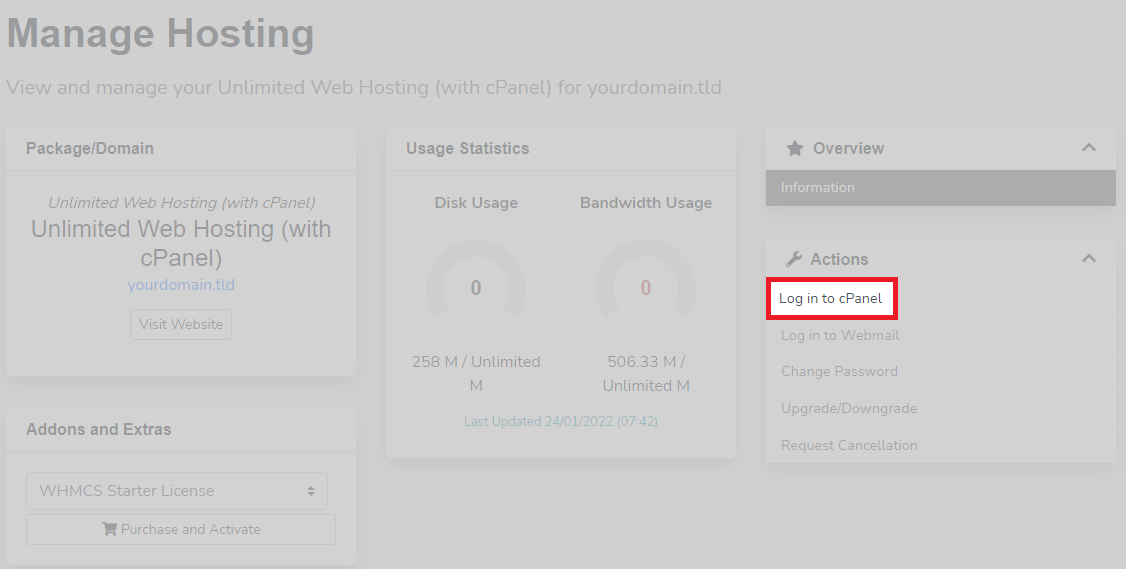
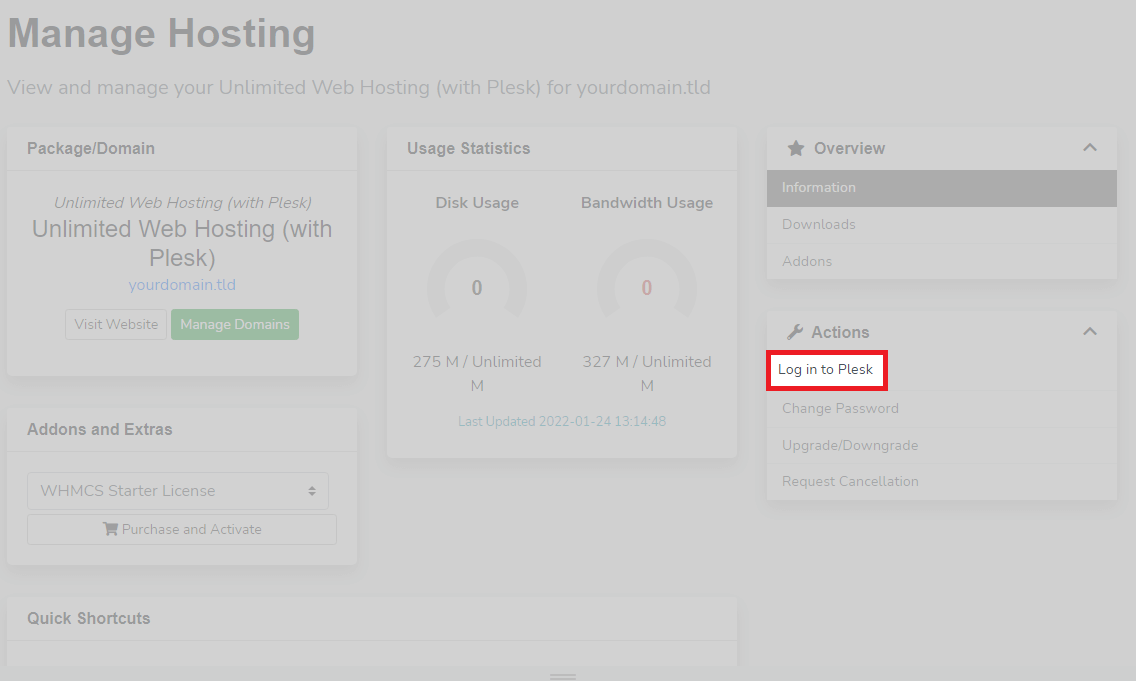
If the login button does not work, your control panel password may have been changed without updating our system. Contact our support team to sync your credentials, or use the direct login method below.
Log in directly using your welcome email
Your welcome email contains your control panel URL, username and password. This method works independently of the client area and provides access through your server hostname or domain.
- Locate your welcome email.
Search your inbox for an email from Unlimited Web Hosting with the subject line containing your service details. The email includes your control panel URL, username and password. - Identify your control panel URL.
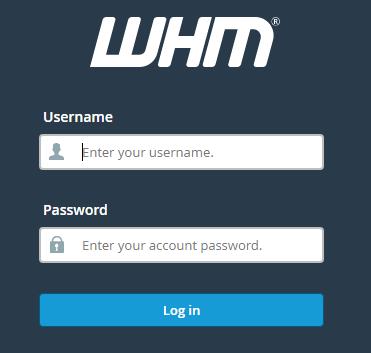
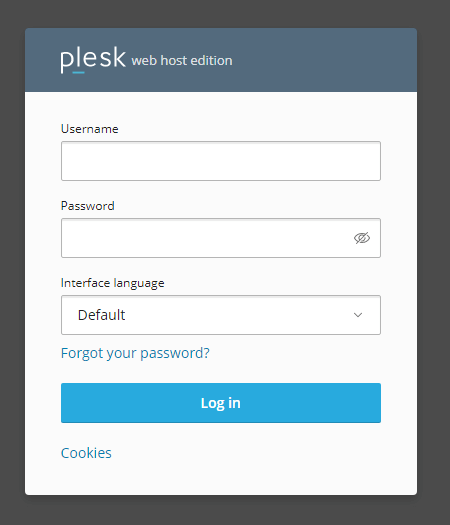
The URL format depends on which control panel you are using. For cPanel, the URL ends with:2083. For WHM, it ends with:2087or/whm. For Plesk, it ends with:8443. - Open the login page.
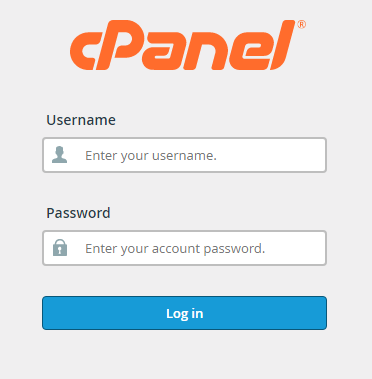
Copy the URL from your welcome email and paste it into your browser. You will see the login screen for your control panel. - Enter your credentials.
Type your username and password from the welcome email into the login form. - Click the login button.
You will be taken to your control panel dashboard.
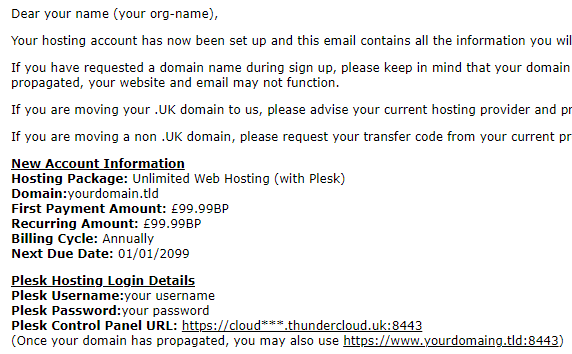
Once your domain propagates, you can access your control panel directly through your domain name instead of the server hostname. This typically takes a few hours after initial setup.
Wrapping up
You can now access your hosting control panel through the client area or by logging in directly with your welcome email credentials. Both methods give you full access to manage your hosting account.
Now that you are logged in, you can add additional domains to your account or explore other control panel features. Our cPanel hosting packages include full control panel access with every account.
If you run into any trouble, get in touch and our team will be happy to help.
Plans and tools mentioned in this guide
Did this guide solve your problem?
Still stuck?
Our UK support team answers tickets and live chat every day. Send us the guide you were following and where it stopped working.
Keep learning
Find a guide
Related guides

Starting from scratch?
Register a domain name and point it at your hosting in the same account.
Search Domains
Somewhere to put it
Perfect for websites and small businesses unlimited bandwidth with cPanel hosting.
Get cPanel Hosting