Setting up a web server on Debian 12 allows you to host dynamic PHP applications such as WordPress, Joomla, Drupal, and OpenCart as part of a LAMP stack. In this guide learn how to install Apache, MariaDB, PHP, and SSL using simple commands giving you a secure and fully functional web server ready to deploy PHP-based applications in just a few steps.
Install Apache, PHP, MariaDB and Certbot
Update your package list and install all required components in one go using the following command ( you can also add the -y flag to skip confirmation).
sudo apt update
sudo apt install apache2 mariadb-server mariadb-client php php-fpm php-intl php-mbstring php-gd php-xml php-curl php-mysql php-zip php-xmlrpc
These packages include:
- Apache: Web server software
- MariaDB: MySQL-compatible database engine
- PHP-FPM: Fast PHP handler
- Certbot: For managing SSL certificates
Turn on PHP-FPM to improve performance and resource handling.
sudo a2enconf php8.2-fpmConfigure Apache on Debian 12
Enable the default SSL site:
sudo a2ensite default-sslEdit the Apache config to allow .htaccess overrides:
Open both configuration files:
sudo nano /etc/apache2/sites-enabled/000-default.conf
sudo nano /etc/apache2/sites-enabled/default-ssl.conf
In the file navigate to the <VirtualHost> block and, insert:
<Directory "/var/www/html">
    Options FollowSymLinks
    AllowOverride All
    Require all granted
</Directory>
Restart Apache to apply changes:
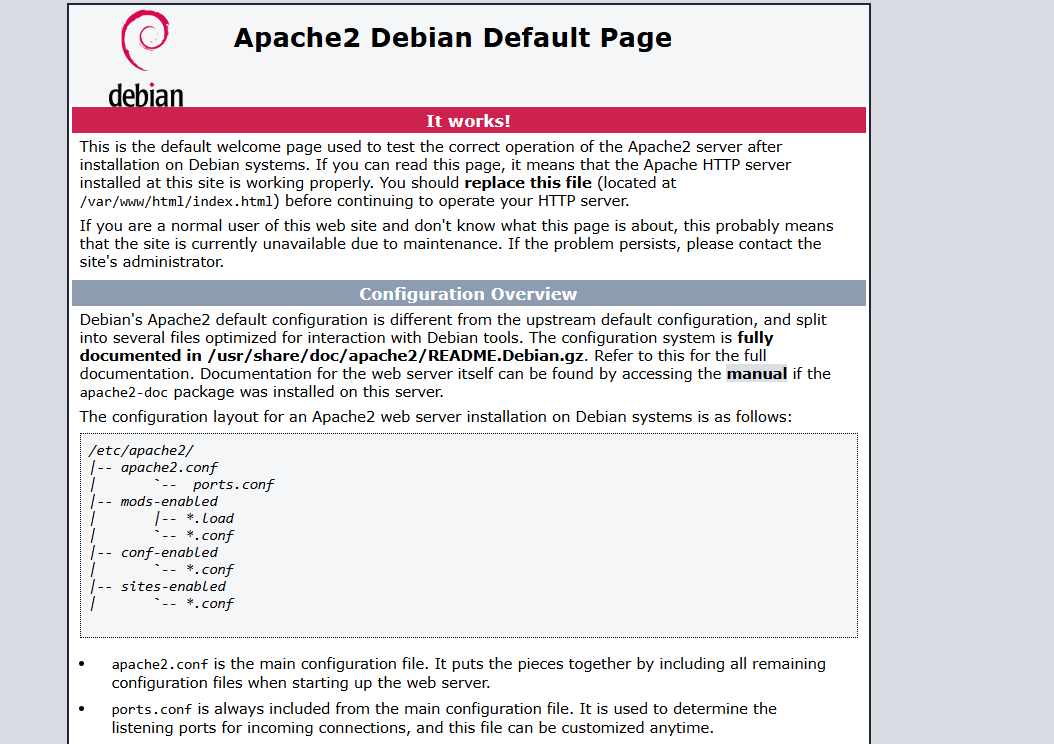
sudo systemctl restart apache2It will look like the image below.
Run MySQL secure installation
To get MariaDB set up as your database you’ll need to run the mysql_secure_installation command.
- First off from your terminal window enter the command as shown above.
- Follow on with the installation prompts including entering a root password and choosing to keep or remove certain defaults i.e. anonymous users and remote logins.
- With that completed you should be able to login with mysql -u root and your password.
Activate Certbot
Finally we can activate certbot with the following command, this will automatically configure using your virtual hosts and issue a free SSL certificate from Lets Encrypt.
sudo certbot --apacheFollow the prompts. Certbot handles the rest.
Want more control over SSL setup? Read how to install SSL certificates manually with certbot.
Set up firewall and users
Lock down your server properly. Configure firewall ports to only allow necessary traffic through.
Create separate user accounts for different tasks. Switch users in Linux when you need to run commands as someone other than root.
Keep managing your VPS
Server setup is just the start. Regular maintenance, monitoring, and updates keep things running smoothly.
Check out our guide to manage your VPS for ongoing administration tips.


Need more power?
Get scalable resources with our VPS hosting with root access and optional software.
Get VPS Hosting
Starting something new?
Perfect for websites and small businesses unlimited bandwidth with cPanel hosting.
Get cPanel Hosting